Notifications: bell, email and push
2Sync tells you when something happens to your records: you are assigned, mentioned in a comment, a status changes or new feedback arrives. Notifications reach you in three ways, and each one can be tuned.
The bell in the app
The 🔔 bell in the top left corner collects every event. The number on it shows how many notifications you haven't read yet. Click the bell to open the list and click a notification to jump to the record or page. Mark all as read clears them at once.
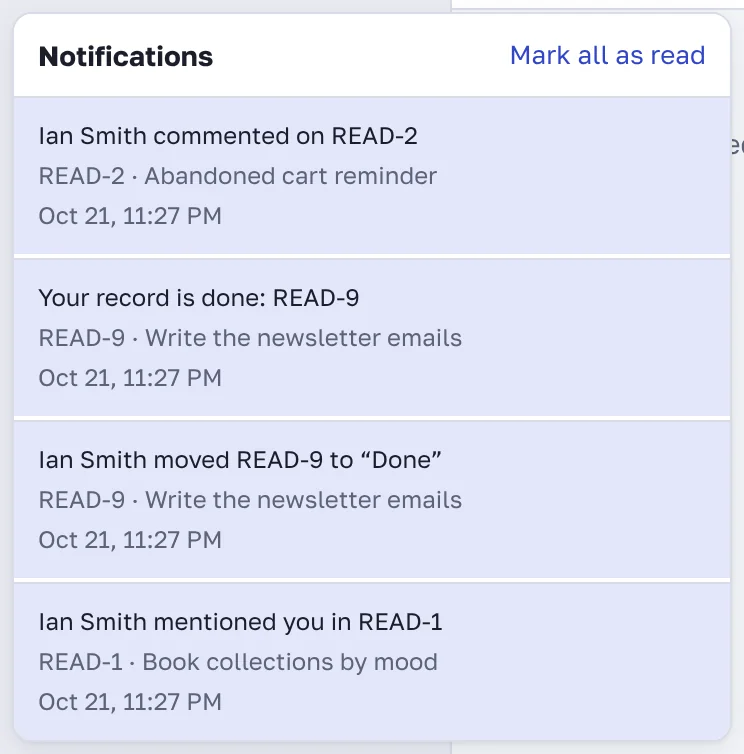
You get a notification when:
you are assigned to a record;
someone mentions you with @ in a comment, a description or a wiki page;
someone comments on or changes the status of a record you created, own or discussed;
a wiki page you follow is updated;
new feedback arrives in the project (project managers get this one);
a record's due date is near or a database reminder fires;
an automation rule fires.
Your own actions never notify you.
The most important events also come by email: assignments, mentions, new feedback, page invitations and reminders. Everything else stays in the bell so your inbox stays clean.
To turn emails off, open your Profile, uncheck Email me when I'm assigned, mentioned, or new feedback arrives and click Save.
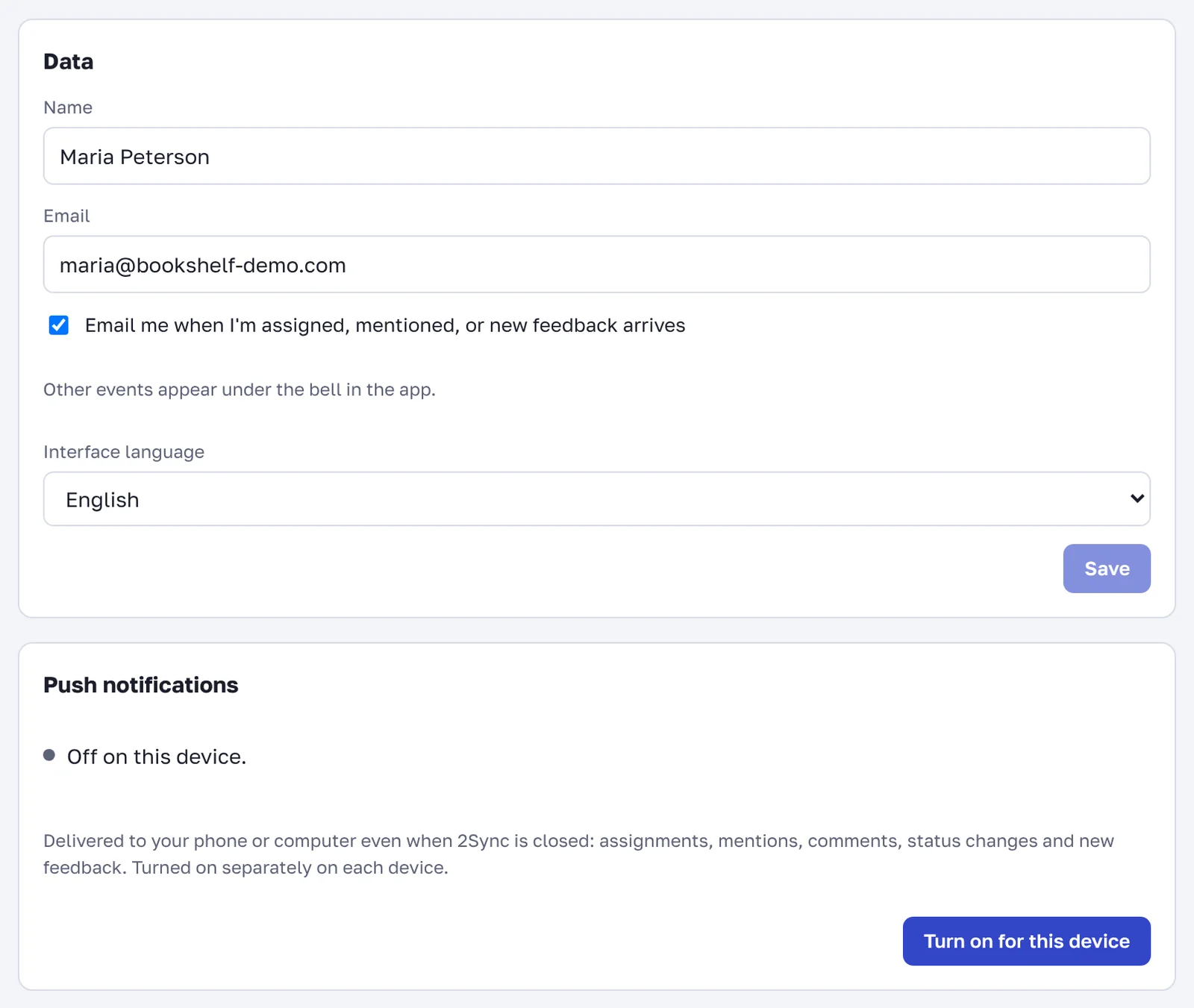
Push notifications on phone and computer
Push notifications arrive even when the 2Sync tab is closed. They are turned on separately on each device:
Open your Profile on that device.
In the Push notifications block, click Turn on for this device.
Allow notifications when the browser asks.
Click Test to send yourself a test notification.
On your first visit 2Sync offers to turn notifications on. If you said no, you can always come back to this setting in your profile.
On iPhone, push notifications only work from the app on the Home Screen. Open 2sync.ru in Safari, tap Share, then Add to Home Screen, launch 2Sync from the icon and turn notifications on in your profile.
FAQ
Why don't push notifications arrive?
Check that notifications for the site aren't blocked in the browser settings and that Do Not Disturb is off on your phone. If the browser blocked notifications, allow them for 2sync.ru and reload the page.
Can I get notified about every record in the project?
You get notifications about records you are involved in: you are the author, the assignee, or you commented. To follow a record, just leave a comment on it. The project-wide activity feed is on the Home page.